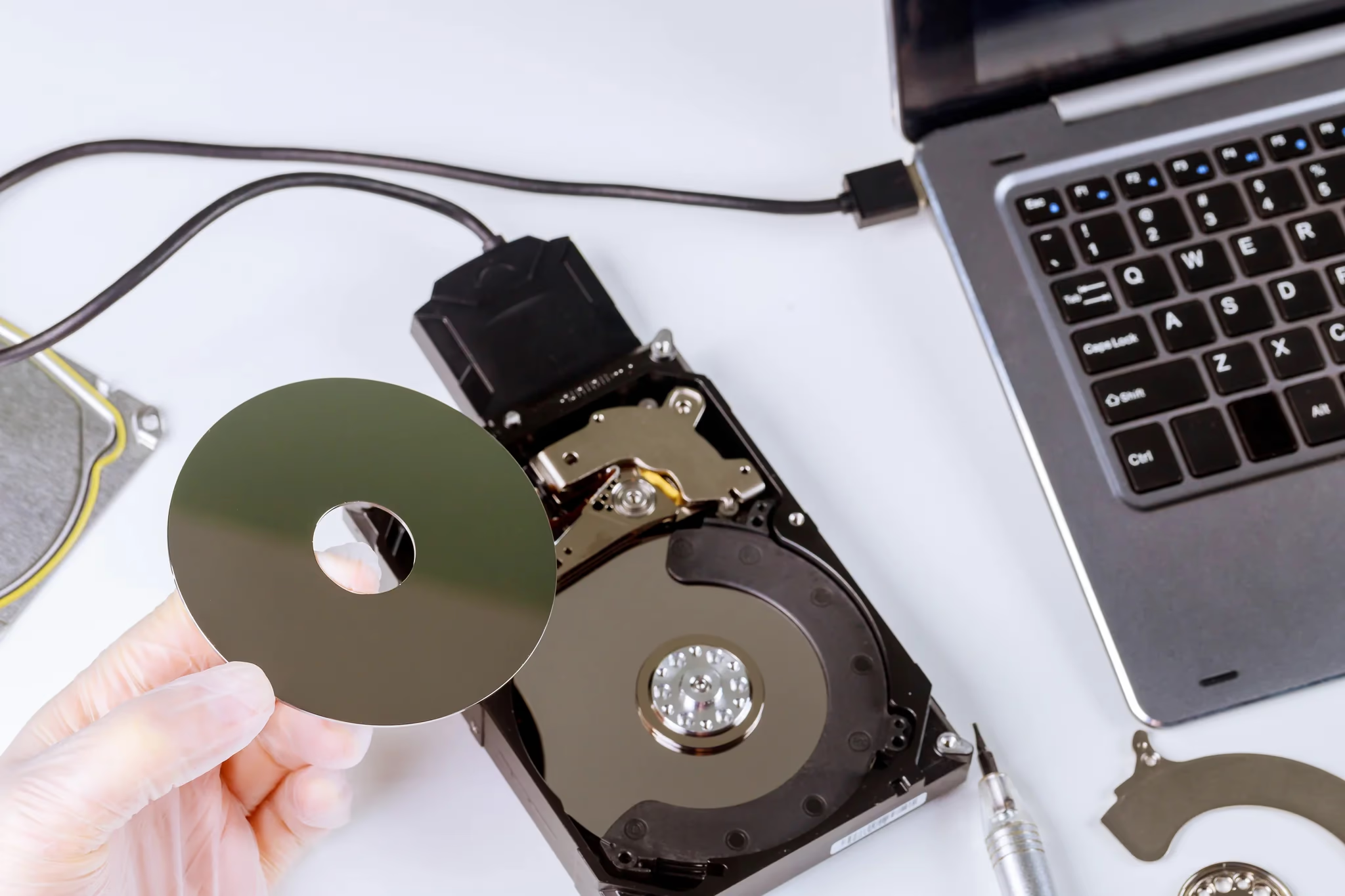
RAID Data Recovery Service
RAID array collapsed? Controller dead? Multiple disks failed? Don't give up yet — we rescue RAID data from hopeless situations. No recovery, no fee.
RAID is the last line of defence for business data — but when it fails, what's inside is often the company's lifeblood. CentralComputer.hk specialises in RAID data rescue at every level — from a small firm's 4-bay RAID 5 to a factory's 24-bay RAID 60.
RAID Levels
RAID Levels We Support
Our Services
What Our RAID Rescue Covers
Virtual RAID Reconstruction
RAID controller dead, new card doesn't recognise the old array, RAID metadata lost? We don't rely on the original controller — we analyse each disk's data structures and virtually rebuild the array in software.
RAID Controller Failure
Often it's not the disks — it's the RAID card that died. In these cases the data is usually fully intact. We've rescued entire SQL databases from dead Dell PERC cards.
Multiple Disk Failure
RAID 5 with two dead disks, RAID 6 with three — is it really hopeless? Not necessarily. Each disk needs physical diagnosis; sometimes a "dead" disk only has a few bad sectors and sector-by-sector rescue is possible.
Human Error Rescue
Rebuilt with the wrong disk, initialised the wrong array, accidentally deleted a virtual disk — we see these human errors often. Stop immediately, don't write anything new, and recovery chances are good.
Process
Our 4-Step RAID Rescue Process
Label Order, Remove Disks
First rule of RAID rescue: record which slot each disk came from. Wrong order means garbage reconstruction. If unsure, don't touch — we'll come and remove them.
Bit-Level Mirror of Each Disk
Each disk is fully mirrored first; all subsequent work happens on the mirrors. Your original disks are never written to — completely safe.
Analyse Parameters, Rebuild Virtually
We analyse stripe size, parity rotation, disk order and other parameters, then virtually rebuild the RAID in software. This is the most technical step — and our specialty.
Extract Data, Verify Item by Item
Files are extracted volume by volume for your verification — you confirm they open and the data is correct before we charge. Data goes onto your new storage device.
Case Study
Real Customer Case
A plastics factory in Tsuen Wan ran RAID 5 on a Dell server. Two of eight disks failed in sequence and the machine wouldn't boot — inside were all the production orders and mould drawings. The manager said losing it meant at least two weeks of downtime, losses in the millions. The manufacturer told him two failed disks was "beyond fault tolerance" — unrecoverable.
Our per-disk diagnosis found the second "failed" disk actually only had a few hundred bad sectors — most data was still readable. Nine days of sector-by-sector rescue plus parity reconstruction recovered over 90% of data. The factory was back at work the following Monday. The manager said we'd saved more than data — we'd saved the whole factory.
— Manager of a Tsuen Wan plastics factory (anonymised on request)
FAQ
Frequently Asked Questions
This is the biggest misconception. RAID is fault tolerance, not backup — it survives disk failure but not fire, flood, ransomware, human error or controller failure. Most of our cases are clients who thought RAID 5 meant no backups needed, then lost two disks in sequence. Remember: RAID plus off-site backup is the complete solution.
Very common — don't panic. Different brands, even different models of the same brand, write metadata differently. Never press "initialise" or "create new array" — that writes new data over the old. We read the disks directly and rebuild without the controller; we've done exactly this migrating a client from HP Smart Array to Dell PERC.
Honestly, if a RAID 0 disk is physically dead, that half of the data is gone. But not every "failure" is physical death — sometimes it's the PCB (swappable), sometimes firmware (fixable). Per-disk diagnosis is the only way to know, and it's free. Don't write it off yourself.
It depends on disk count and capacity. Four disks with a few TB typically take 5–10 working days — mirroring alone takes a long time. We once rescued an 8-bay RAID 6 (40TB) for a factory; mirroring alone took three days. Urgent jobs can be expedited, but physical mirroring time can't be shortcut — we'll be upfront about it.
Yes — and many RAID cases involve VMs. After recovering VMDK/VHDX files, we verify the VM boots and the OS and data inside are intact. One client ran their entire ERP on VMware; after the RAID collapsed we recovered the VMDK and they were back at work the next day.
RAID Failed? First Step: Stop
Note each disk's slot order. Don't initialise, don't rebuild. Contact us now for free diagnosis.